Introducing a New Support Chat Experience: Faster Help, Full Context
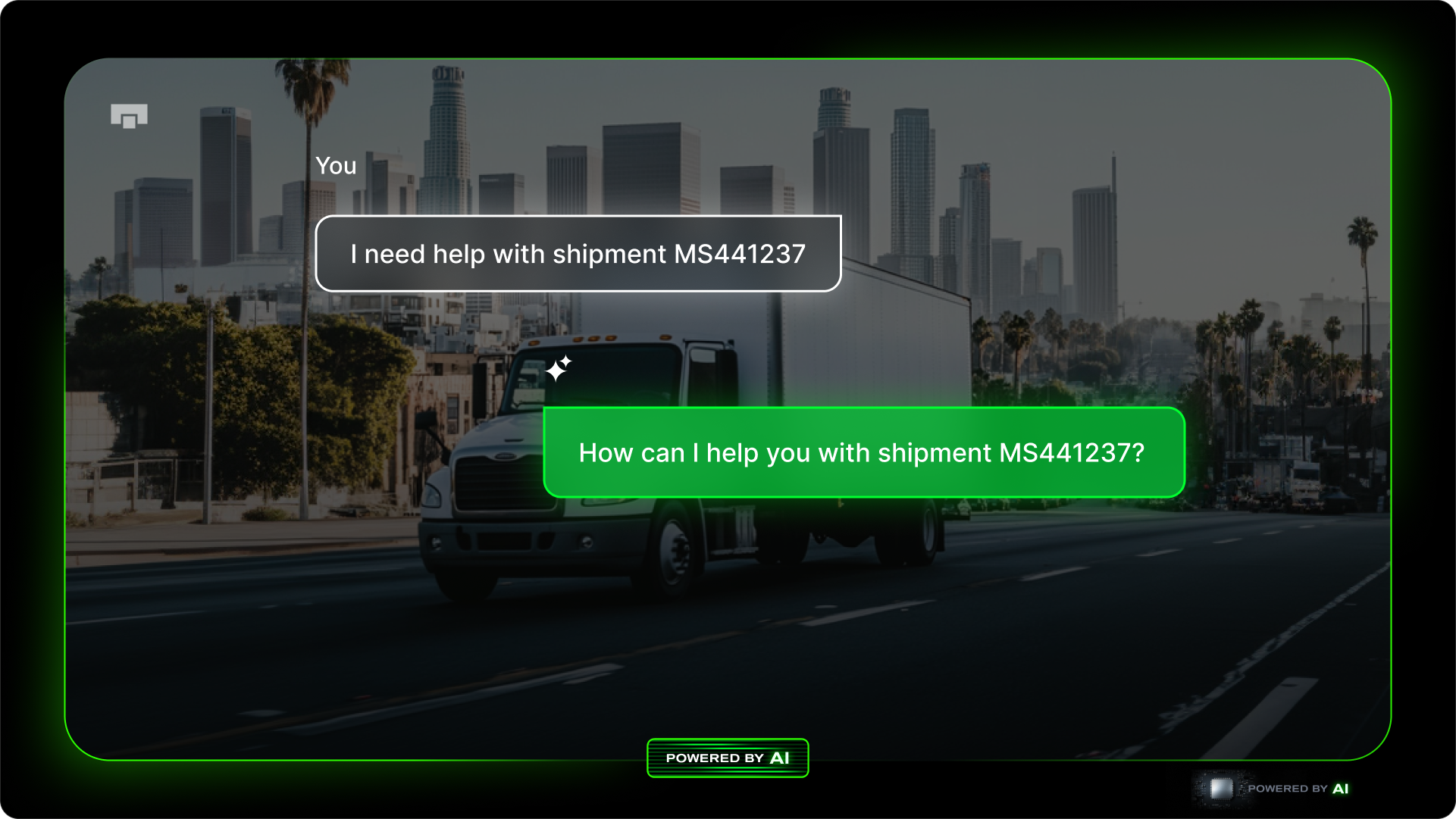
Support shouldn’t feel like starting from scratch.
In the past, reaching out meant opening a chat, explaining which shipment you were asking about, and waiting for someone to get up to speed. It worked — but it wasn’t seamless.
Today, we’re introducing a new support chat experience — designed to give you faster answers with full context, built directly into your shipments.
What’s New
Support chat is now built into your workflow.
Instead of a single, general chat, conversations are tied directly to the shipment you’re viewing — so everything stays in context from the start.
Chats are also shared across your team, giving everyone visibility into what’s already been discussed and what still needs action.
How It Works
From anywhere in the dashboard, click the Chat with support button in the top right corner.
When you're viewing a shipment, your conversation is automatically linked — so there’s no need to re-explain details or reference shipment IDs.
Within the chat feed, conversations are organized into:
- This shipment — everything related to the shipment you’re viewing
- All topics — your broader conversation history
Each conversation includes an AI-generated summary, so you can quickly understand what’s been discussed and what’s next.
You can also access shipment-specific chat history directly from billing when viewing an invoice or rebill — so the full conversation is always in one place.
What You’ll Notice
- Faster support — less back-and-forth to get started
- Full context — conversations tied directly to each shipment
- Shared visibility — your entire team can view and respond
- All in one place — no more searching across tools or threads
- AI-assisted summaries — quickly understand longer conversations at a glance
- Multi-language support — chat in your preferred language
What’s Not Changing
You’re still working with the same support team.
The difference is that every conversation now starts with the context we need — so we can help you faster and more efficiently.
Getting Started
- Log into your dashboard
- Open any shipment
- Click Chat with support
- Start your conversation
No setup required — it’s already built into the way you work.
Questions or Feedback?
We’re rolling this out carefully and would love to hear from you.
Open any shipment and click Chat with support to get in touch.